Singapore · 1–31 Dec 2026
17
DEC
Concert
Kallang
19
DEC
Concert
Kallang
20
DEC
Concert
Kallang
22
DEC
Concert
Kallang
THE CITY
ARIRANG · SG
Install app
Add THE CITY to your home screen
IPHONE (SAFARI)
Open this page in
Safari
Tap the
Share
button (square with ↑)
Scroll down, tap
Add to Home Screen
Tap
Add
, and the red THE CITY icon appears
ANDROID (CHROME)
Tap
Install
when it pops up, or
Tap
⋮
menu →
Install app
/
Add to Home screen
Opens full-screen like an app, and your stamp ticks stay saved.
Got it
🏠
Home
🗺️
Explore
⭐
Stamps
ℹ️
Info
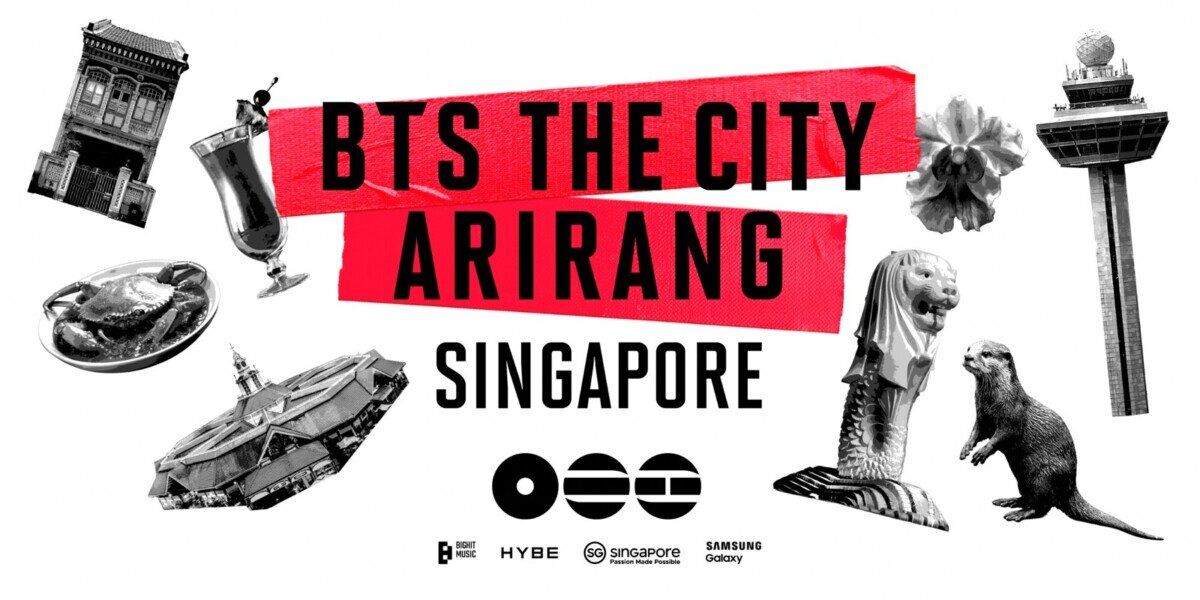
 THE CITYARIRANG · SG